

For UK players, the phrase “no-download app” can mean a casino website designed to work smoothly on a phone rather than a separate application installed from an app store. Betzino’s mobile experience is best approached in that way: open its official site in a compatible browser, sign in or register, and check which games and account tools are available on your device. Features, terms and access can change, so confirm current details directly with Betzino before depositing.
This guide explains how browser-based play differs from an installed app, what to check before using Betzino, and how to make an informed choice. It does not assume that every game, payment method or promotional offer is available to every UK customer. Always verify that the service is legally available to you and that you meet the applicable age and location requirements.
What “no-download” means
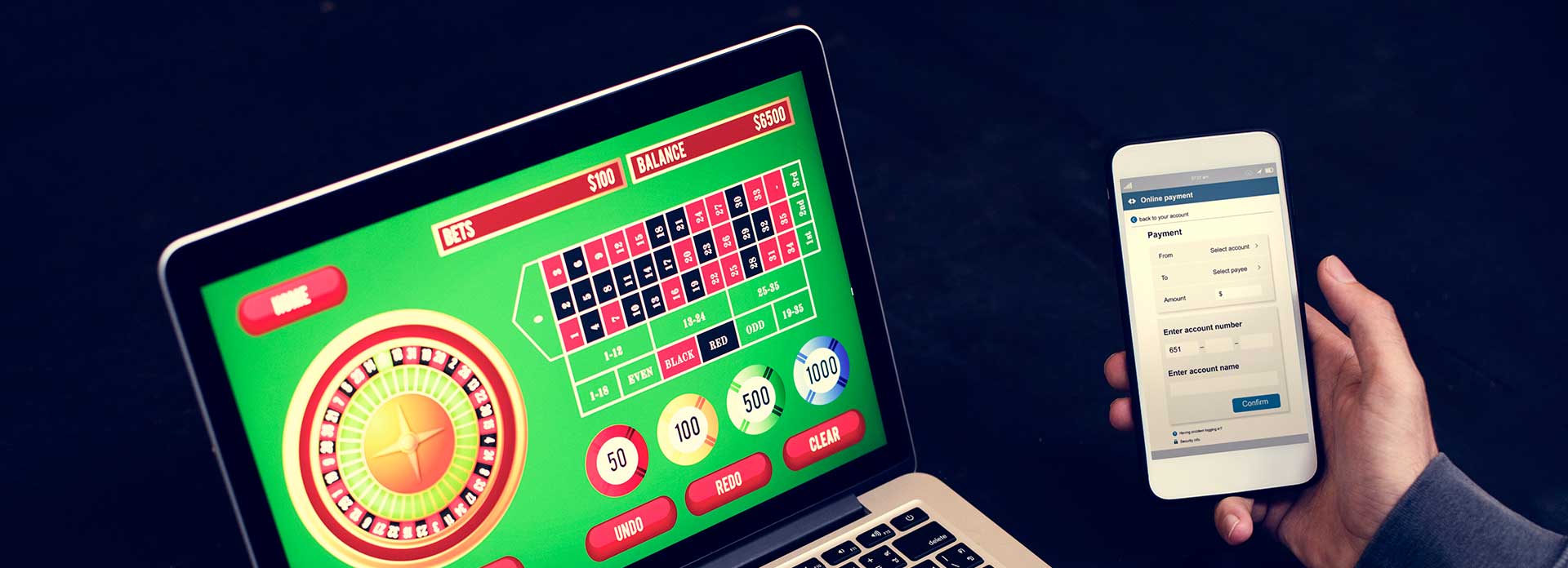
A no-download option generally refers to accessing a mobile-optimised website without installing casino software. You use a browser such as Safari or Chrome, and the site adapts its layout to a smaller screen. Depending on the operator’s setup, the browser version may provide account access, cashier functions, support and a selection of casino games. The precise range should be checked on Betzino itself.
This differs from a native app, which is installed on a phone or tablet and may have its own updates, permissions and interface. A browser experience can be convenient for occasional visits and helps avoid using device storage. However, it still relies on an internet connection, browser compatibility and the casino’s current mobile-site design.
How to access Betzino on a phone
- Check the official address. Use a verified Betzino domain rather than a link from an unsolicited message or an unofficial download page.
- Open it in your mobile browser. Keep the browser updated and avoid public or shared devices when accessing an account.
- Review availability and terms. Check the site’s current rules, eligibility conditions, privacy information and any location restrictions.
- Sign in or create an account. Provide accurate details and complete any identity or age checks requested.
- Explore before depositing. Look at the games, payment information, account controls and support options available to you.
If a page asks you to install a file from an unfamiliar source, pause and verify the request with the operator through its official support channel. Do not share passwords, payment details or verification codes with anyone claiming to help you through social media or messaging apps.
Browser play, app play and demo mode
There are three experiences that are easy to confuse. Browser play means the casino is opened through a web browser. An installed app is software placed on the device. Demo mode is a way to try certain games without wagering real money, where offered. The difference between real-money gaming and demo play is important: demo results do not represent cash winnings, and real-money play involves financial risk and may have different game conditions.
A game’s demo availability does not necessarily mean the same title is available for real-money play in every location. Likewise, a mobile-friendly site does not guarantee that every desktop feature or game will work identically on a phone. Check the game’s information and the casino’s terms rather than relying on assumptions based on how a title appears in a list.
What to check before playing
Eligibility, licensing and safer gambling
Before opening an account, establish whether Betzino is currently authorised to serve customers in Great Britain and whether its terms apply to your location. UK gambling rules can require operators to hold the relevant licence. The operator’s legal and regulatory information should be easy to find; if you cannot verify the position, do not deposit. You must also satisfy the applicable minimum-age requirement and any identity checks.
Consider setting limits before you play. Use available deposit, time or loss controls, and take breaks. Gambling should be treated as paid entertainment, not as a way to earn income or recover losses. Never gamble with money needed for essentials, and stop if play is causing stress, secrecy or financial difficulty. UK players can seek confidential support from organisations such as GamCare or the National Gambling Helpline.
Security and privacy
Use a unique password and secure your device with a passcode or biometric lock. Avoid saving login details on shared phones. Check that the browser connection is secure, but remember that a padlock icon alone does not prove that a site is legitimate; confirm the web address and operator details as well. Read the privacy policy to understand how account and payment information is handled.
Payments and withdrawals
Payment methods, minimums, processing times and fees can vary. Review the cashier page and transaction terms before choosing a method, and make sure the account is in your own name where required. Withdrawal requests may be subject to identity verification and other checks. Do not assume a payment will be instant, and do not deposit simply to test whether a withdrawal works.
Advantages and limitations of the no-download approach
| Potential advantage | What to keep in mind |
|---|---|
| No separate app installation | You still need a compatible browser and reliable connection. |
| Less device storage used | Browser performance can vary by phone, operating system and updates. |
| Quick access through a saved bookmark | Only bookmark the official address and check it carefully before logging in. |
| May suit occasional mobile visits | Some games or account features may differ from desktop or app versions. |
| Can make it easy to try a game in demo mode, if offered | Demo play is not a forecast of real-money outcomes. |
Questions players often ask
Does no-download mean Betzino has no app?
Not necessarily. It describes a way to access the service without installing an app. Betzino’s current app availability, if any, should be confirmed through its official website and verified app-store listings. Avoid unofficial installation files.
Will the mobile site include every casino game?
Not always. Game availability can depend on the provider, device, browser, location and account status. Open the game catalogue on your own device and consult the game’s rules before playing.
Can I use demo mode without an account?
That depends on the title and the operator’s current settings. Some games allow a practice mode; others may require an account or may not offer demo access. Check the game page. Even when available, practice results are not cash prizes.
What should I do if the site does not load?
Check your connection, update the browser and try again later. You can also clear the browser cache or contact official support. Do not follow a search result or message that asks you to install unknown software as a troubleshooting step.
Is mobile play safer than using an app?
Neither format is automatically safer. Security depends on using the genuine service, protecting your account, keeping your device updated and following sensible payment practices. An app can request permissions, while a browser session can remain exposed if a device is shared or left unlocked.
Making a sensible choice
Betzino’s no-download route may appeal to players who prefer not to install casino software and want to access a mobile site through a browser. The main benefits are convenience and reduced reliance on an app installation; the trade-offs include browser compatibility, possible differences in features and the need to verify the official site each time.
Before playing, confirm Betzino’s current UK availability and regulatory status, read the relevant terms, check payment and withdrawal conditions, and make use of safer-gambling tools. If those details are unclear, wait until you can verify them. Mobile access should make browsing more convenient, not make it easier to overlook the risks or spend beyond a limit.